Policies
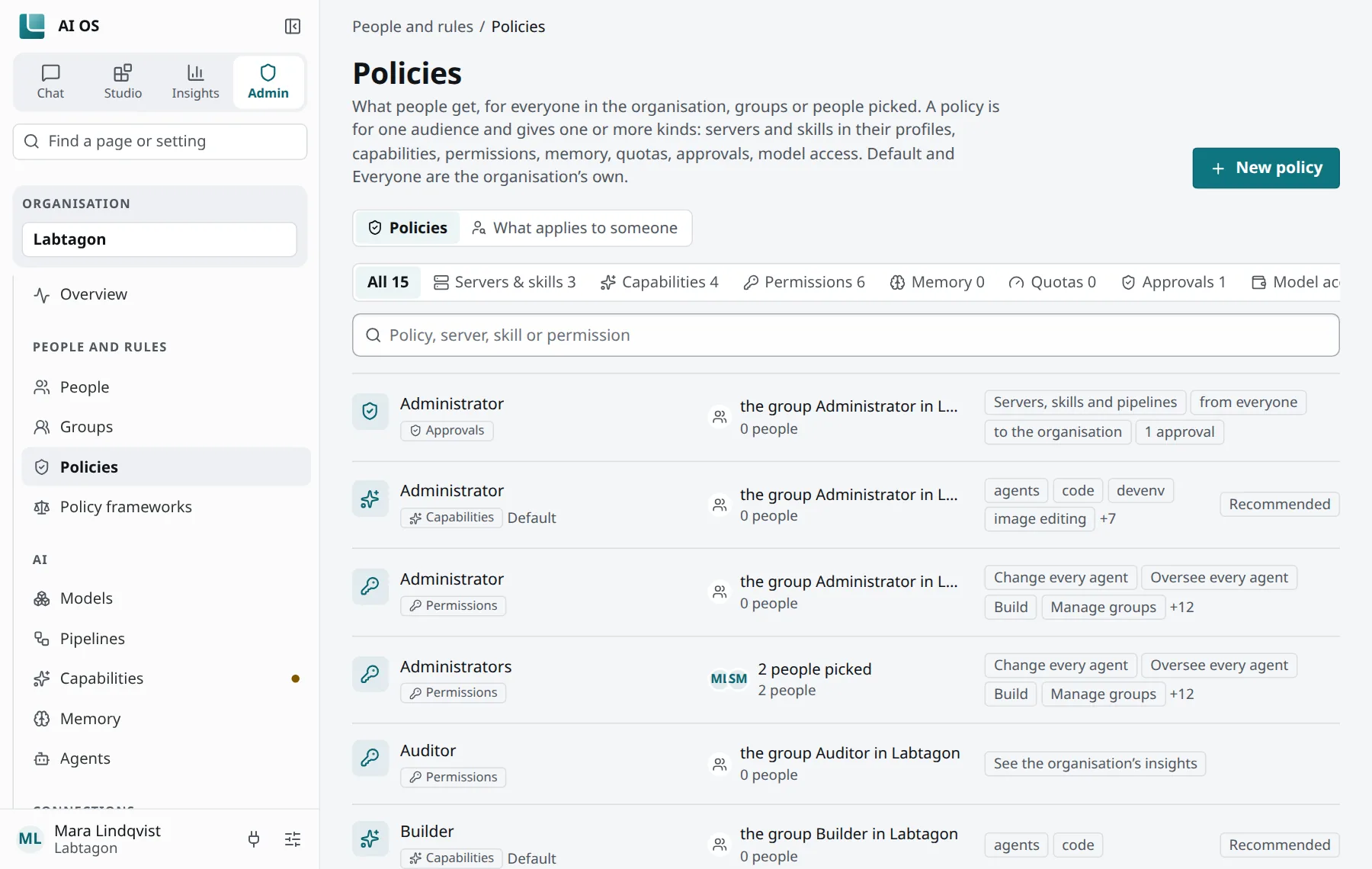
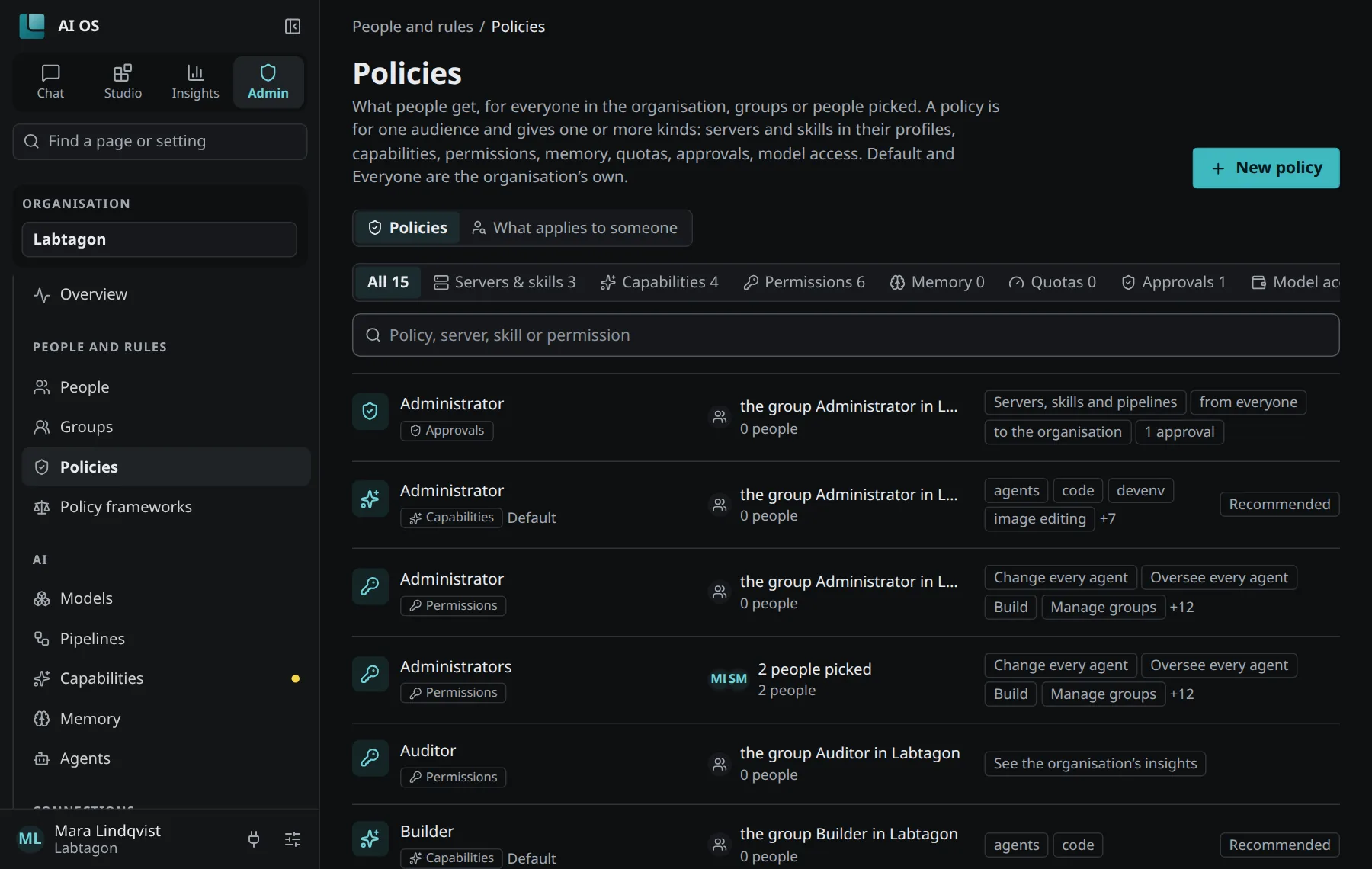
A policy gives people something, or sets something for them: tool servers and skills in their profiles, capabilities, permissions, how memory behaves, quotas, who approves what, and which models they may use. Policies belong to one organisation; you manage them under Control Panel → Policies.
Whom a policy reaches
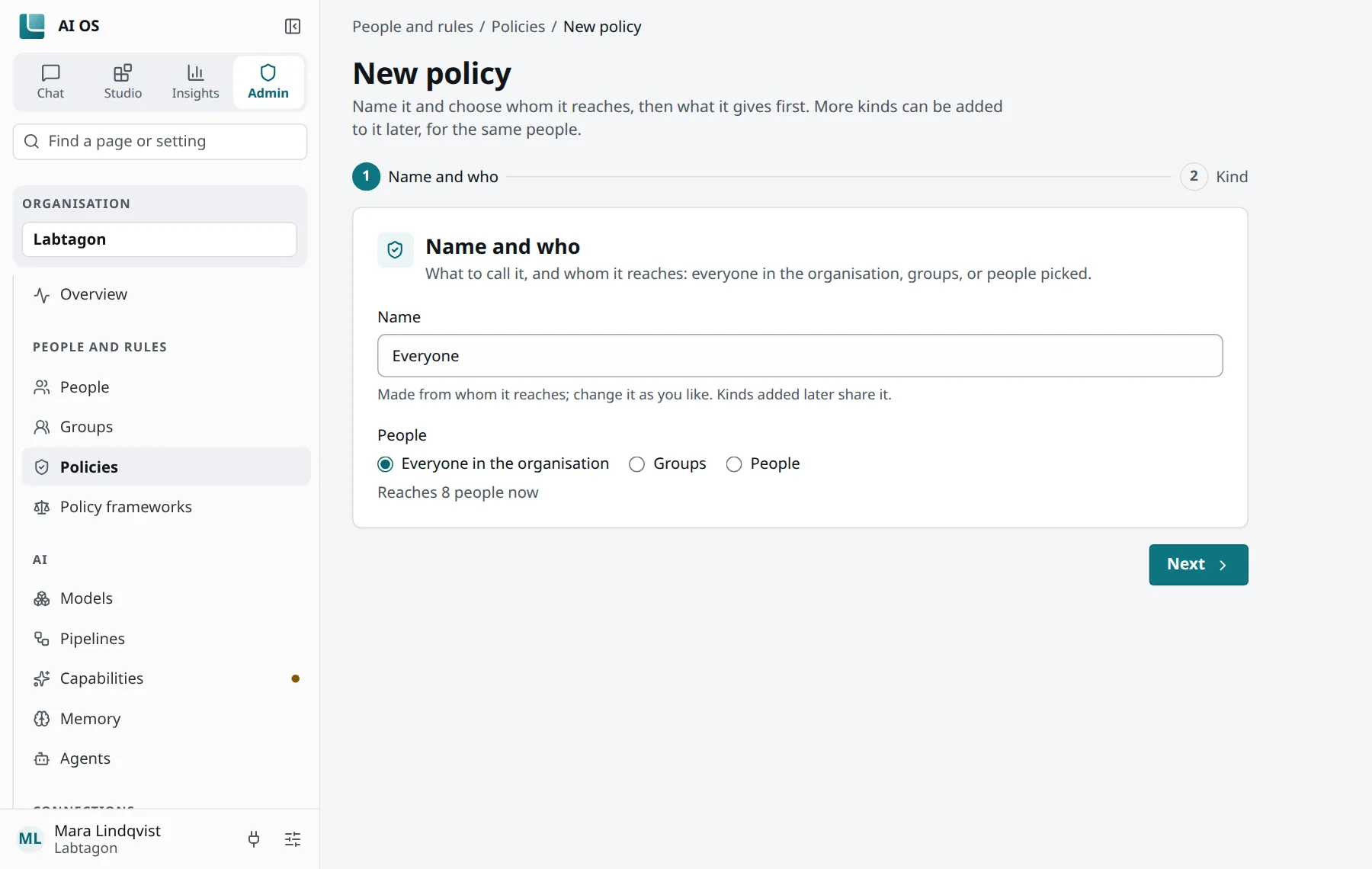
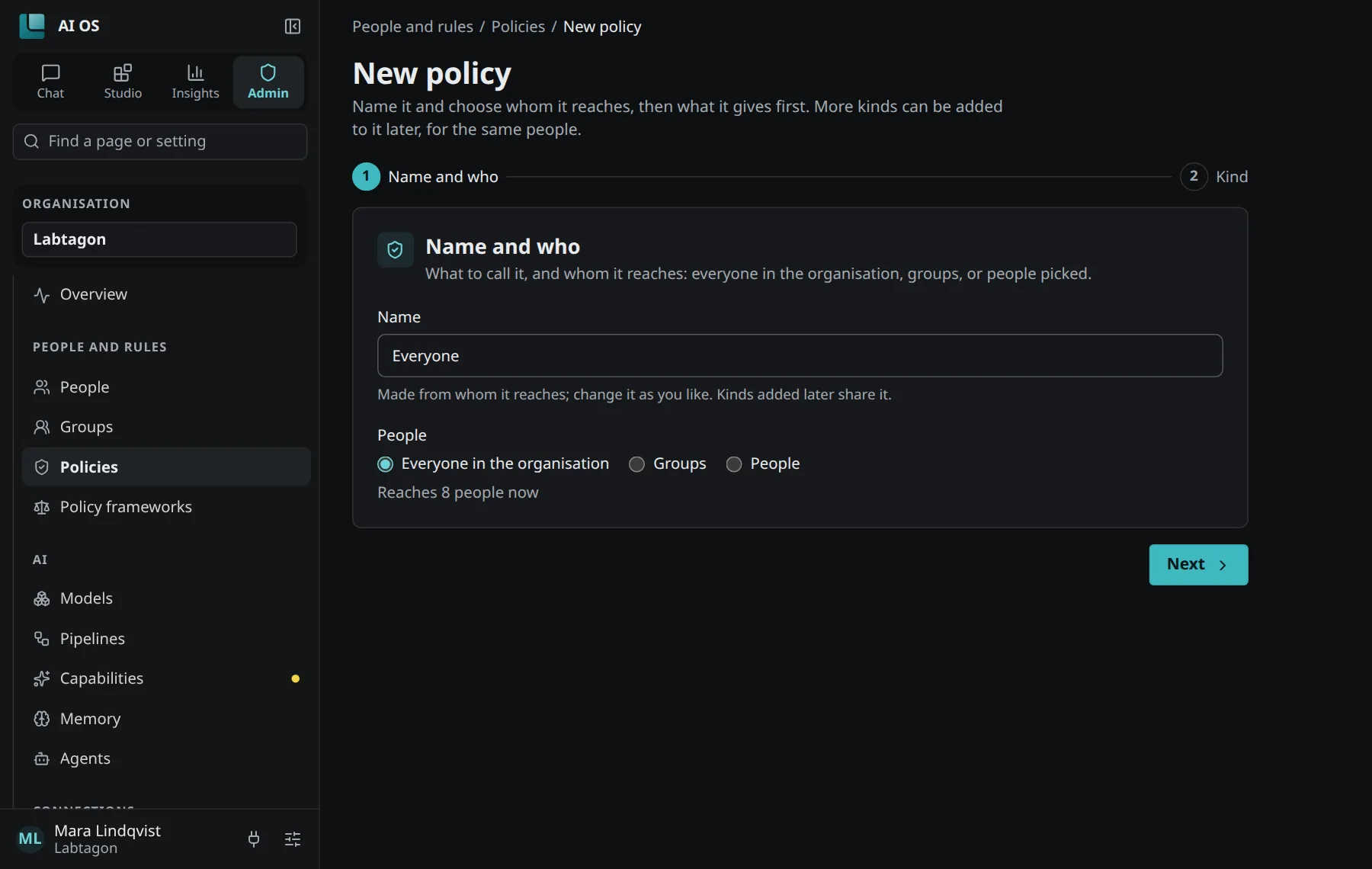
Section titled “Whom a policy reaches”A policy reaches Everyone in the organisation, Groups or People you pick. It can give several kinds at once, each kind once. New policy asks first for its name and whom it reaches, then for what it gives.
What applies to someone shows, for one person, every policy that reaches them and what results.
The seven kinds
Section titled “The seven kinds”| Kind | What it gives or sets |
|---|---|
| Servers & skills | Tool servers and skills, put into a profile: everyone’s Default profile, or a named profile AI OS makes for each person. A tool server comes with a key IT set up, or with each person’s own sign-in. Fills people’s profiles, not agents’. |
| Capabilities | Allows or withholds each capability, with limits per person (uses a day and a month, dollars a month), a budget a month for everyone it reaches together, and how the capability is done. For agents it only limits. |
| Permissions | What people may do in AI OS, from the catalog in People and groups. |
| Memory | For the profiles’ and the agents’ memory spaces: dreaming on or off, after how many days unused memories are forgotten, recall in chats. |
| Quotas | Storage for files (10 MB to 1 TB), code sandboxes at once (1 to 10), seconds per code run (10 to 300), minutes of code a month. |
| Approvals | Who approves publishing: of tool servers, skills or pipelines, from whose drafts, to which audience, and how many approvals (1 to 5) are needed. |
| Model access | Which models and pipelines (by pattern, for example *), whether people may make API keys of their own, a budget a month per person, and one for everyone it reaches together. |
Recommended or required
Section titled “Recommended or required”For the kinds that fill a profile, an item is Recommended or Required:
- Recommended: people may take it out of their profile; it stays out for them.
- Required: it stays in their profile.
How several policies combine
Section titled “How several policies combine”When several policies reach someone, AI OS looks at levels: policies that name the person, then policies that name one of their groups, then policies for everyone in the organisation (for capabilities, last the organisation’s own setting on the Capabilities page). For most kinds the narrowest level that says something decides.
| Kind | How they combine |
|---|---|
| Servers & skills | Everything adds up: what any switched-on policy gives for that profile, minus what the person took out of recommended items. If two give the same item, required goes before recommended, then the oldest policy. |
| Permissions | Add up: a person has a permission when any policy that reaches them gives it. |
| Capabilities | Allowed or withheld: the narrowest level decides, and within it, allowed wins. Each limit: the narrowest level that allows it, within it the most generous. Every budget for everyone together holds. How it is done: the narrowest level, then required before recommended, then the oldest. A capability the organisation does not offer is off whatever a policy says. |
| Memory | The narrowest level; within it, the stricter wins: dreaming off before on, the shorter retention before the longer, recall off before on. |
| Quotas | The narrowest level; within it, the most generous. Unset: the installation’s default. |
| Approvals | Every policy that covers the case applies; the strictest decides how many approvals are needed, and everyone they reach may approve, besides the administrators. Without one, the organisation’s administrators approve once. |
| Model access | Each setting from the narrowest level that sets it; within it, the most generous: models add up, keys are allowed if any policy allows them, the larger budget per person counts. Every budget for everyone together holds; a spent one refuses calls. |
The system policies
Section titled “The system policies”Every organisation has policies of its own from the start:
- Default fills everyone’s Default profile (Servers & skills).
- Everyone gives the permissions everyone in the organisation has.
- The capabilities Default gives the capabilities everyone has.
- The default groups (User, Builder, Auditor, Administrator) come with policies that give what the table in People and groups shows.
You can change these like any other policy.