Memory spaces
A memory space keeps what AI learned in earlier conversations, so that you do not have to say it again: facts about people, customers, systems or past decisions. AI OS tells clients, the chat and agents to look into it before they answer, and to keep what will matter again.
Kinds of spaces
Section titled “Kinds of spaces”- A profile’s space. Under Capabilities in a profile, Memory for this profile switches on a space of its own for the clients that use it. See Profiles.
- An agent’s space. Every agent has one space of its own. On the agent’s Memory tab, Tell it something to remember adds to it.
- Shared spaces. You create them with New space and decide who reads and writes them.
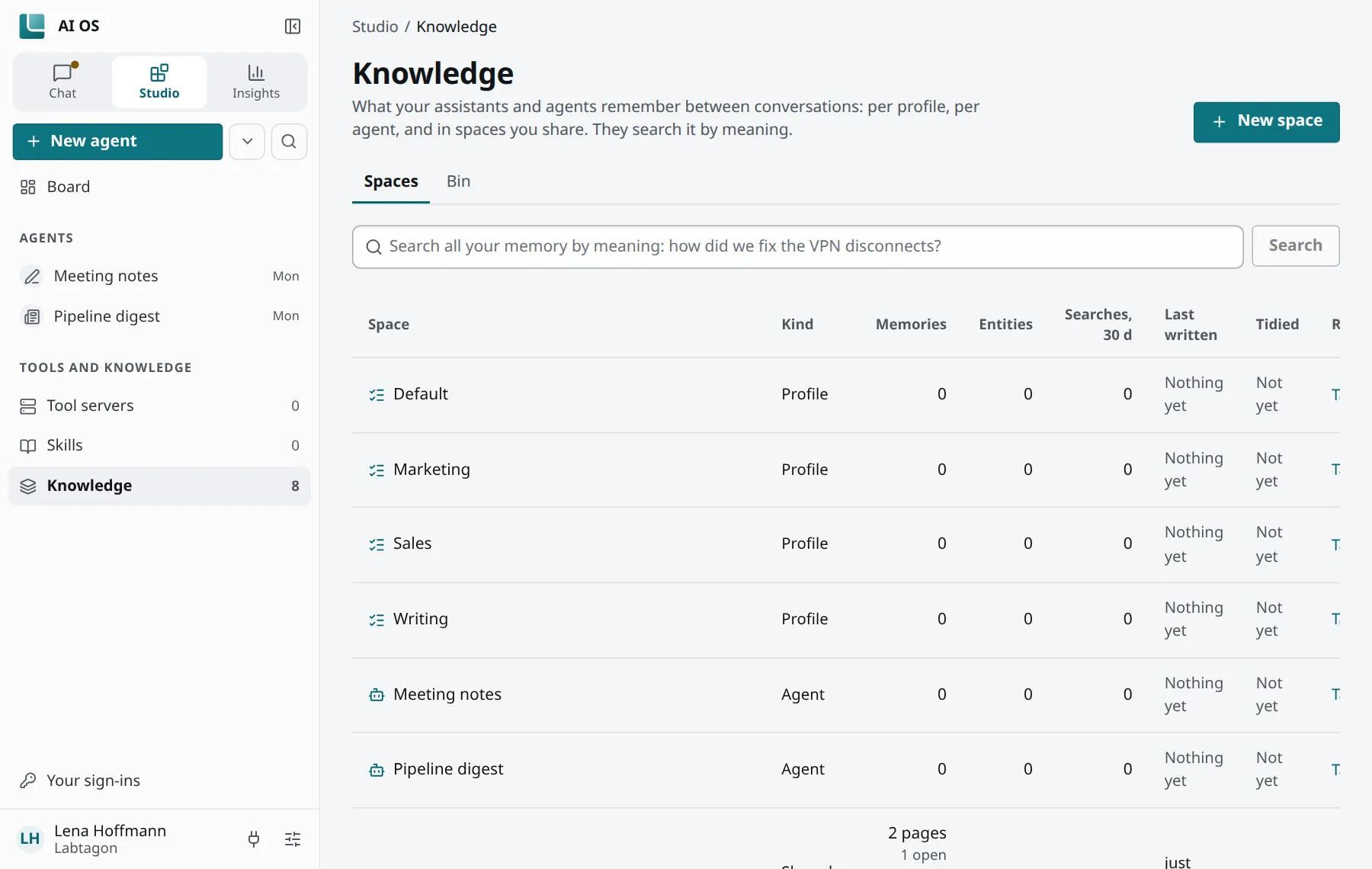
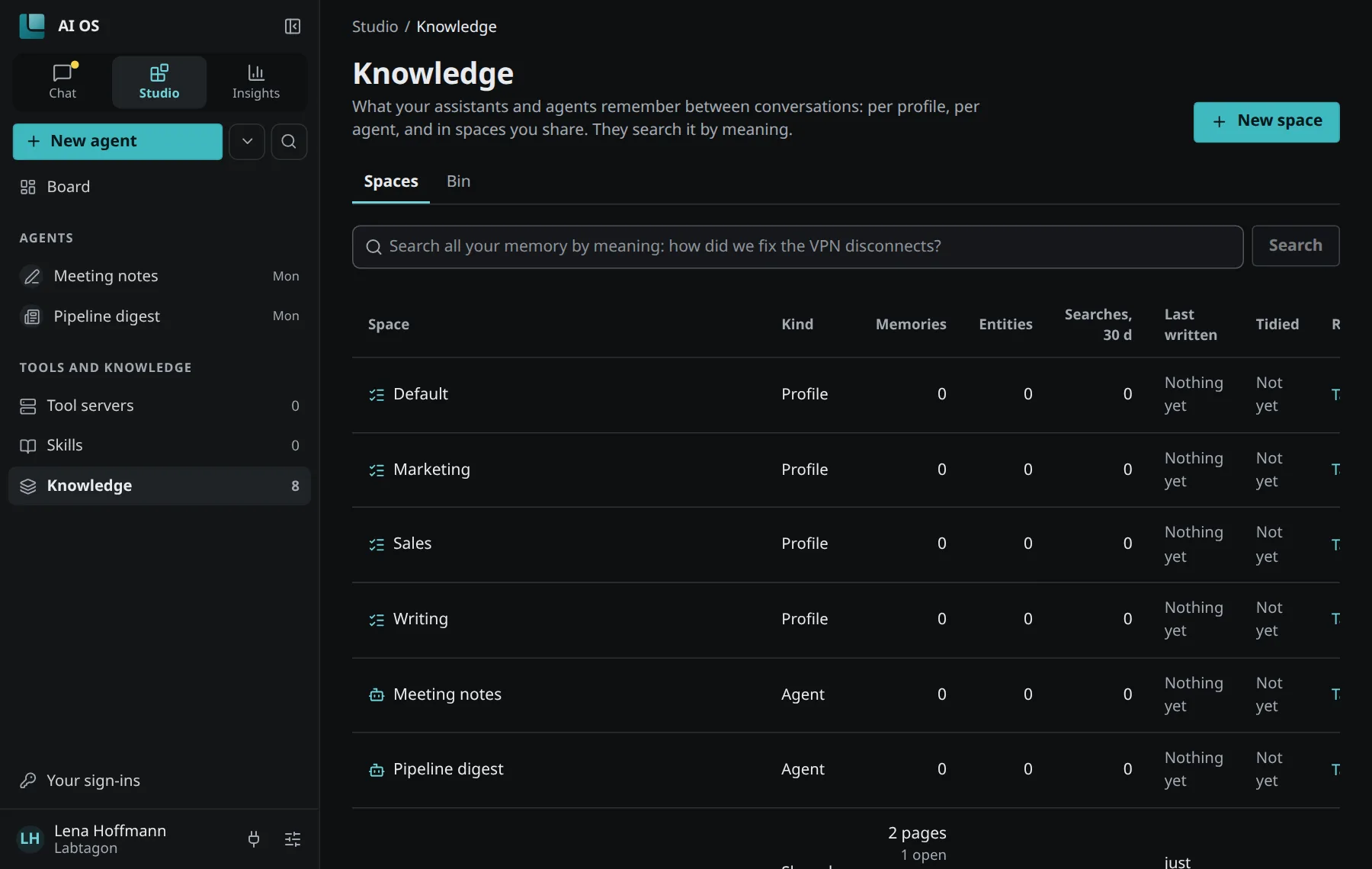
You find all spaces you can read in Studio under Knowledge: what your agents remember, and who reads it.
Memories or a wiki
Section titled “Memories or a wiki”A space keeps one of two things (It keeps):
- Memories, one fact each: short notes, each understandable on its own.
- Wiki, pages kept up: one page per thing, with sections and links, which AI writes and keeps up to date. A new shared space starts as a wiki; a profile’s space keeps memories.
A space of memories has the tabs Memories, Entities, Statistics and Dreaming; a wiki shows Pages and its Inbox instead.
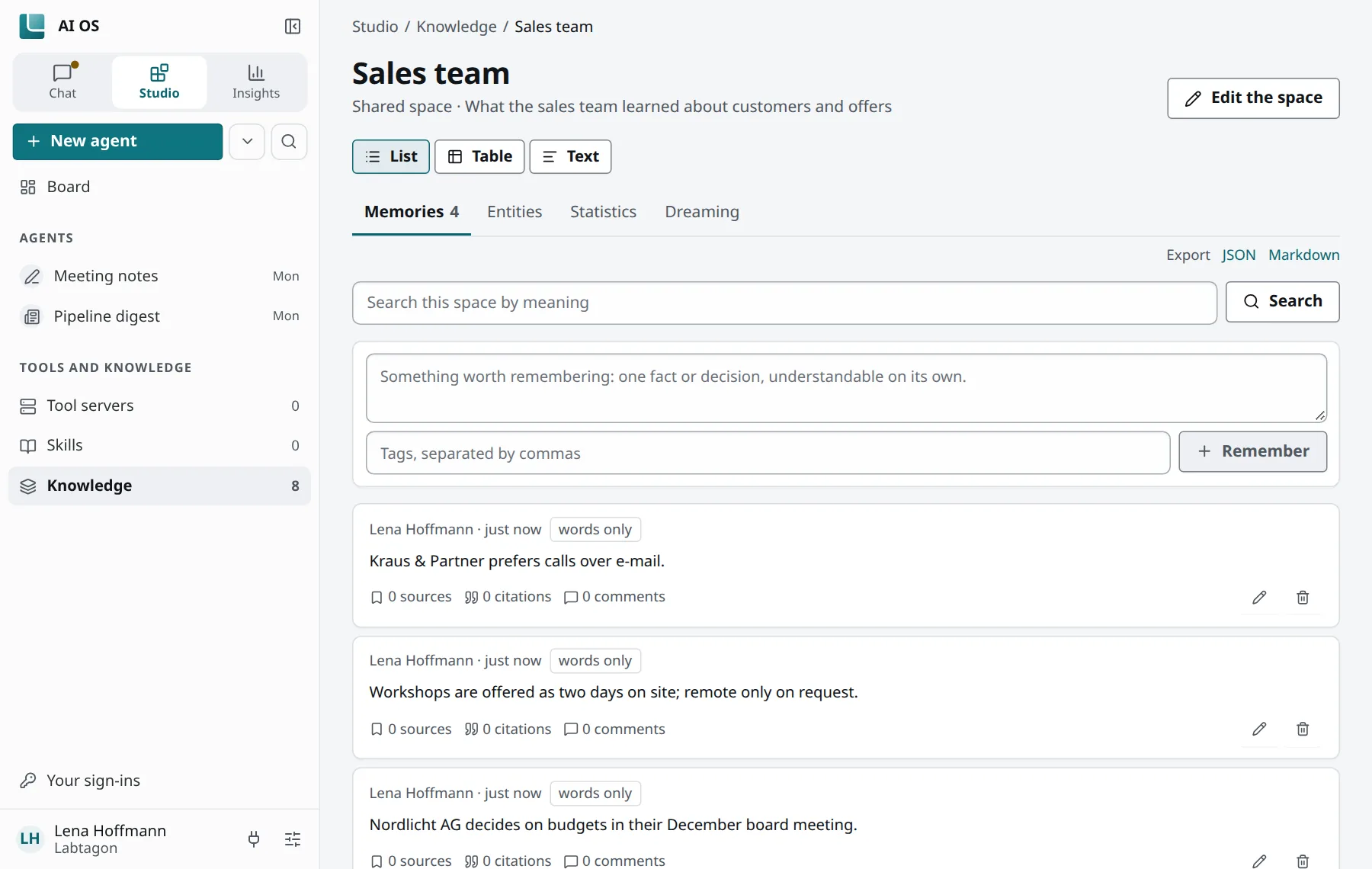

Entities are the named things a space knows, such as a customer or a system, each with facts (Set a fact) and the memories that name it.
How memories are found
Section titled “How memories are found”AI OS searches a space by meaning and by words at once, so that a question finds a memory even when it uses other words. For the search by meaning, an embedding model turns the text of each memory into numbers; that call goes through the LLM gateway like every other model call. A memory the search by meaning cannot reach yet is marked words only.
Who reads and writes a space
Section titled “Who reads and writes a space”Under Who reads and writes it you choose for a shared space:
- Only you;
- Everyone here: everyone in your organisation reads, or reads and writes;
- People, by e-mail address;
- Groups.
Correct and forget
Section titled “Correct and forget”Every memory has Change and Forget. You can also mark it Confirmed, Disputed or Outdated, and add a comment.
What you forget goes to the bin under Knowledge, where it can be restored for a while (30 days by default); then it is deleted for good. Nothing in the bin is searched or recalled.
Dreaming
Section titled “Dreaming”At night AI OS tidies the spaces of memories, unless your organisation switched this off: it merges duplicates, marks a memory as outdated when a newer one replaces it, and joins entities that are the same. Each change shows under Dreaming and can be undone with Undo.
How long memories stay
Section titled “How long memories stay”By default memories stay until someone forgets them. Your organisation can set that memories nobody recalled for a number of days are forgotten; a space can set this for itself too.