Agents and jobs
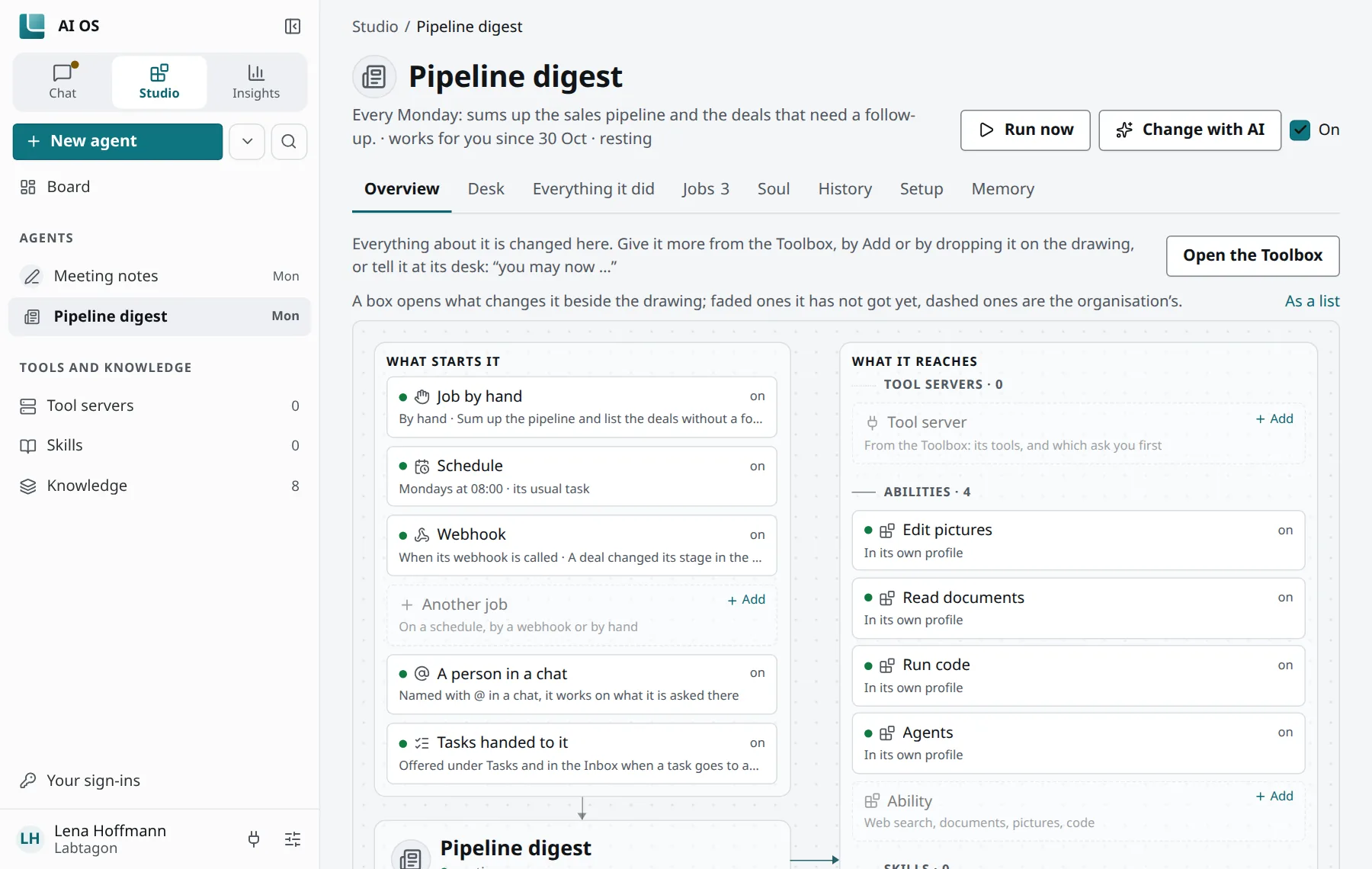
An agent is an AI of Labtagon AI OS that works on its own. You give it a purpose and the tools it needs; then it works when you start it, on a schedule or when another system calls it. A job is a task for an agent and how it starts. A session is one run of an agent, from start to end.
What an agent is
Section titled “What an agent is”- Its soul: who it is and how it works, in every run. Every change of its soul is kept as a version.
- Its tools: a profile of its own, with tool servers, skills and capabilities. A new agent starts with nothing but AI OS’s own skills, or with a copy of one of your profiles. A copy brings no sign-ins or keys.
- Its memory: a memory space of its own. See Memory spaces.
- Who it acts as: itself, with sign-ins of its own, never yours. You sign it in to what it needs on its page.
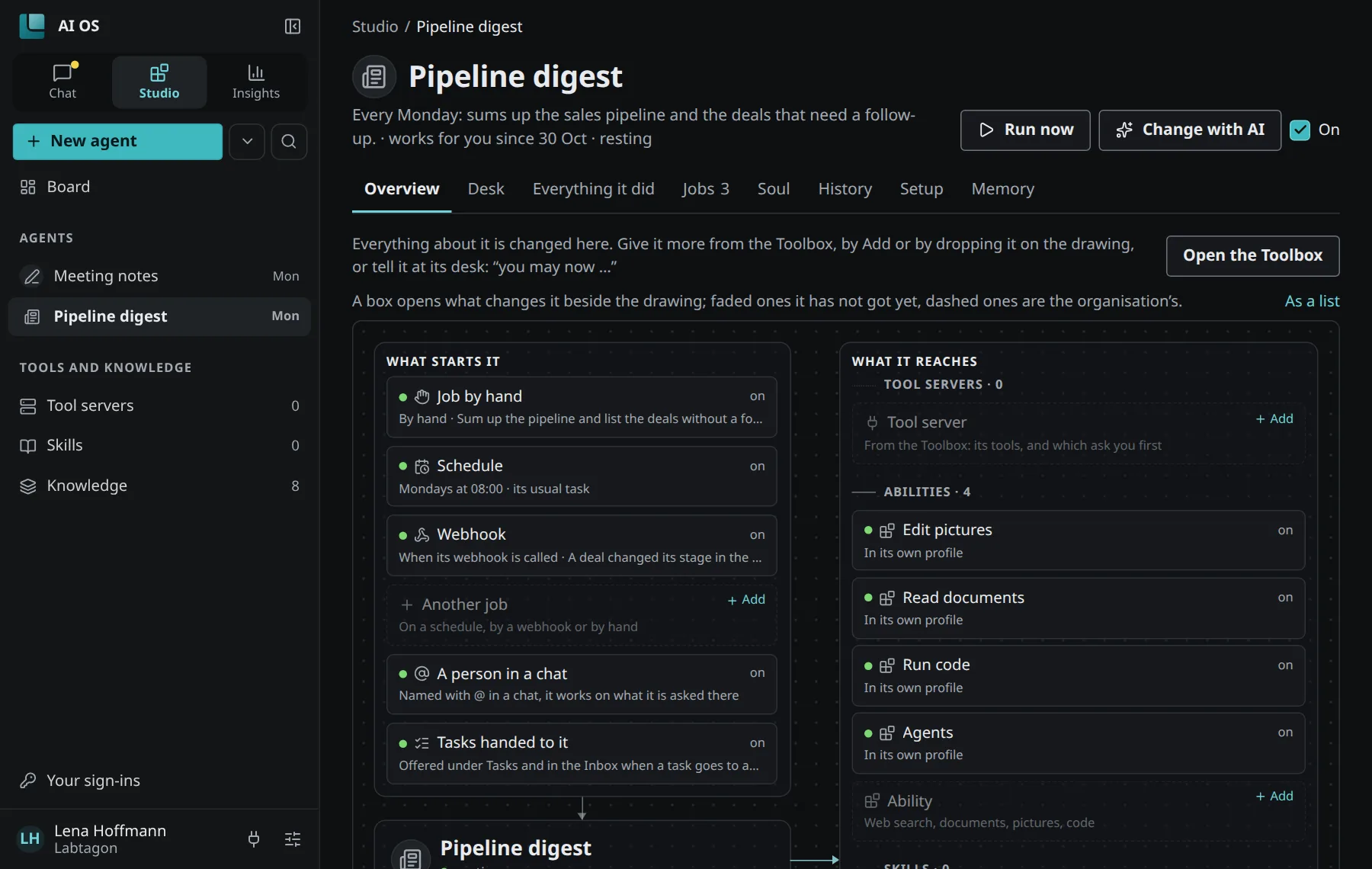
An agent’s page has the tabs Overview, Desk, Everything it did, Jobs, Soul, History, Setup and Memory.
Create an agent
Section titled “Create an agent”In Studio:
- New agent: describe the work, or start from an agent shared in your organisation (Use as a start).
- New agent with AI: say what it should do; your assistant drafts it with you.
Agent templates are what everyone in your organisation can start a new agent from. You can propose one of your agents as a template; an approver looks at it before it is offered.
How a job starts
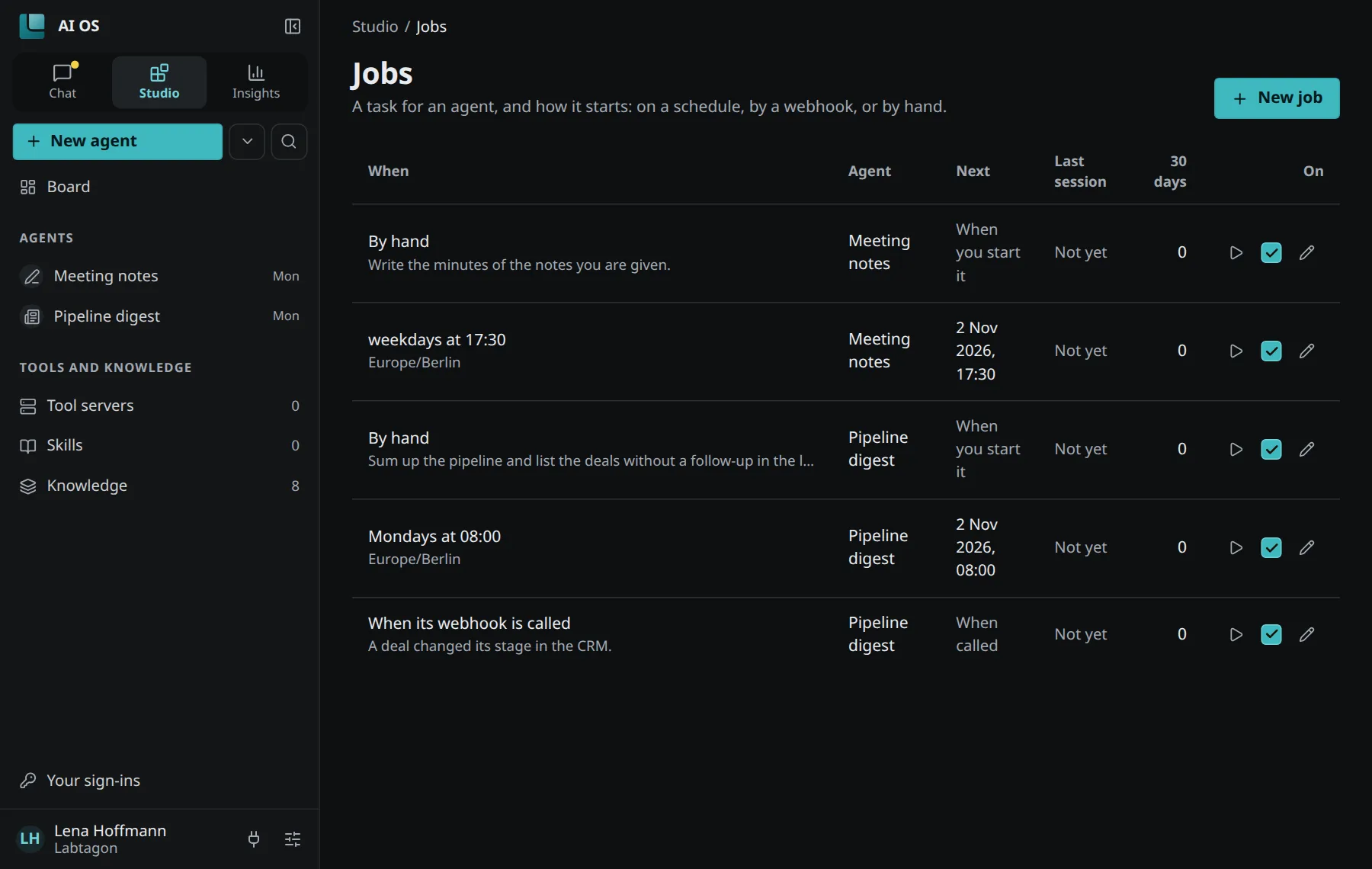
Section titled “How a job starts”Under Jobs you see every job of your agents: when it runs, its next and last session, and whether it is on. New job asks how it starts:
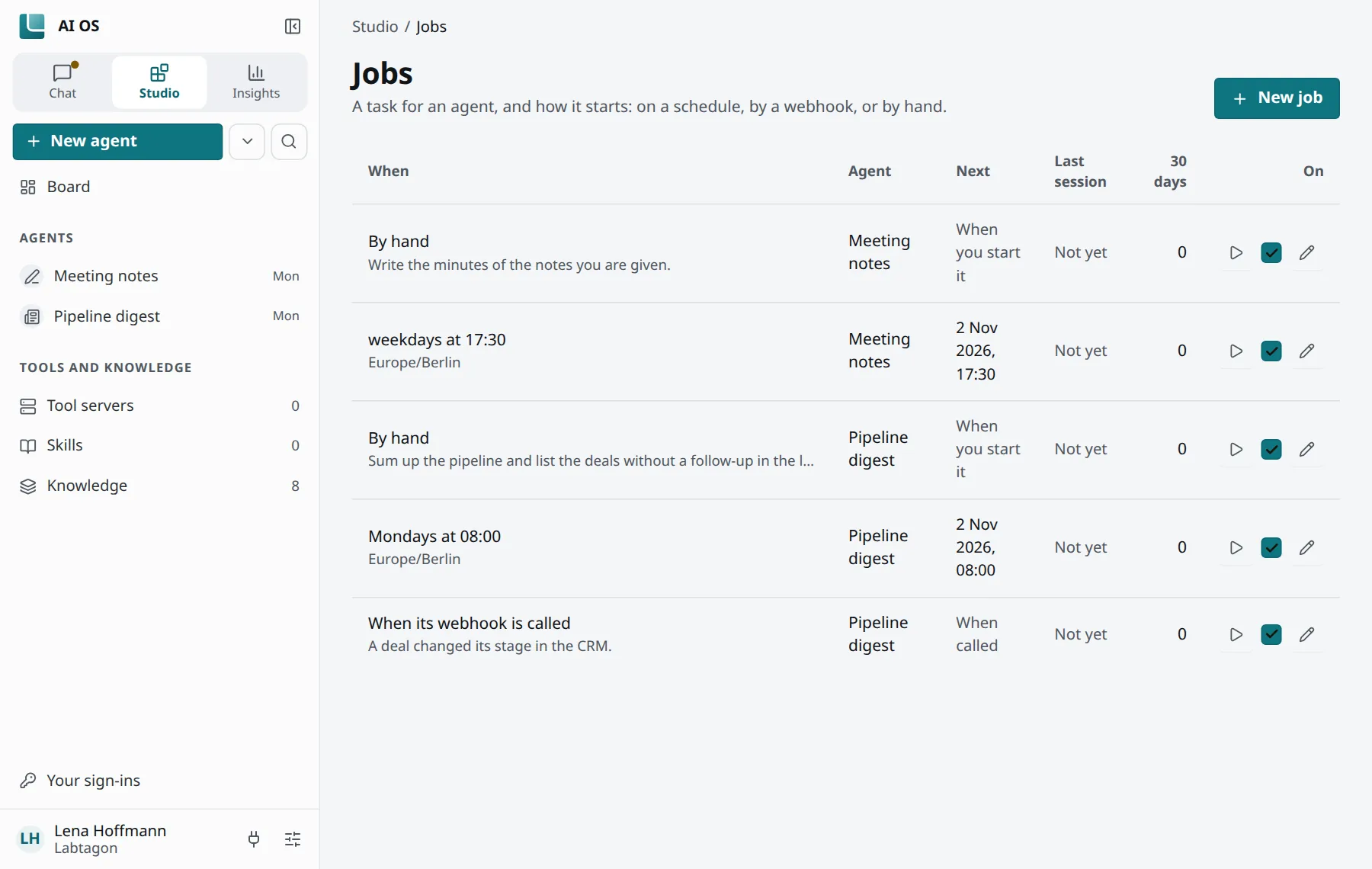
- On a schedule: in words or as cron, in a time zone, for example
every 30m,hourly,daily at 07:00,weekdays at 9am,mondays at 9:00,0 9 * * 1-5,once 2026-11-02 09:00. The shortest interval is 5 minutes. - When a webhook is called: another system sends a
POSTto the job’s address with its secret as a bearer token. The secret is shown only once. The request’s body (up to 64 KiB) is handed to the agent as material. - By hand: you start it yourself.
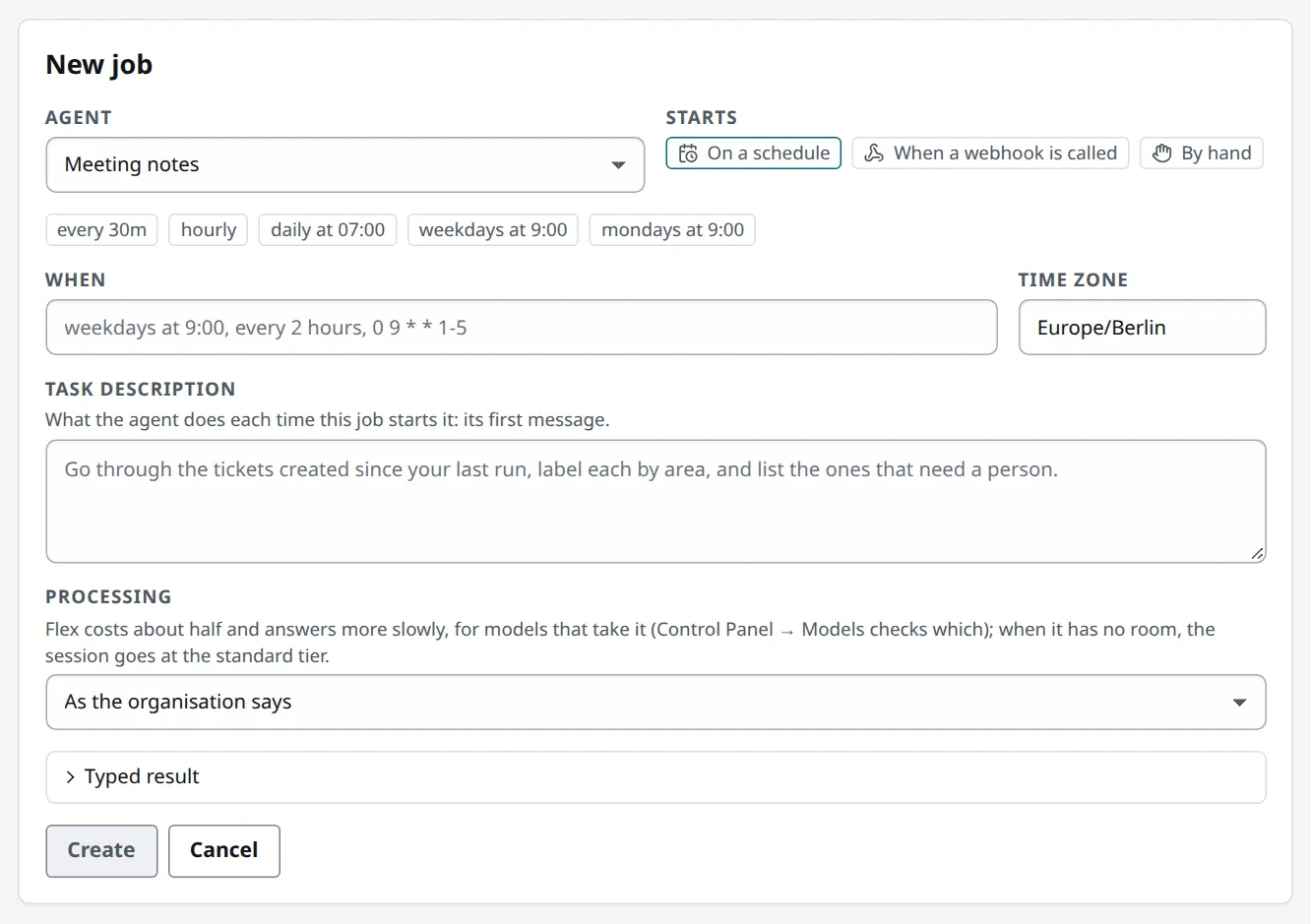
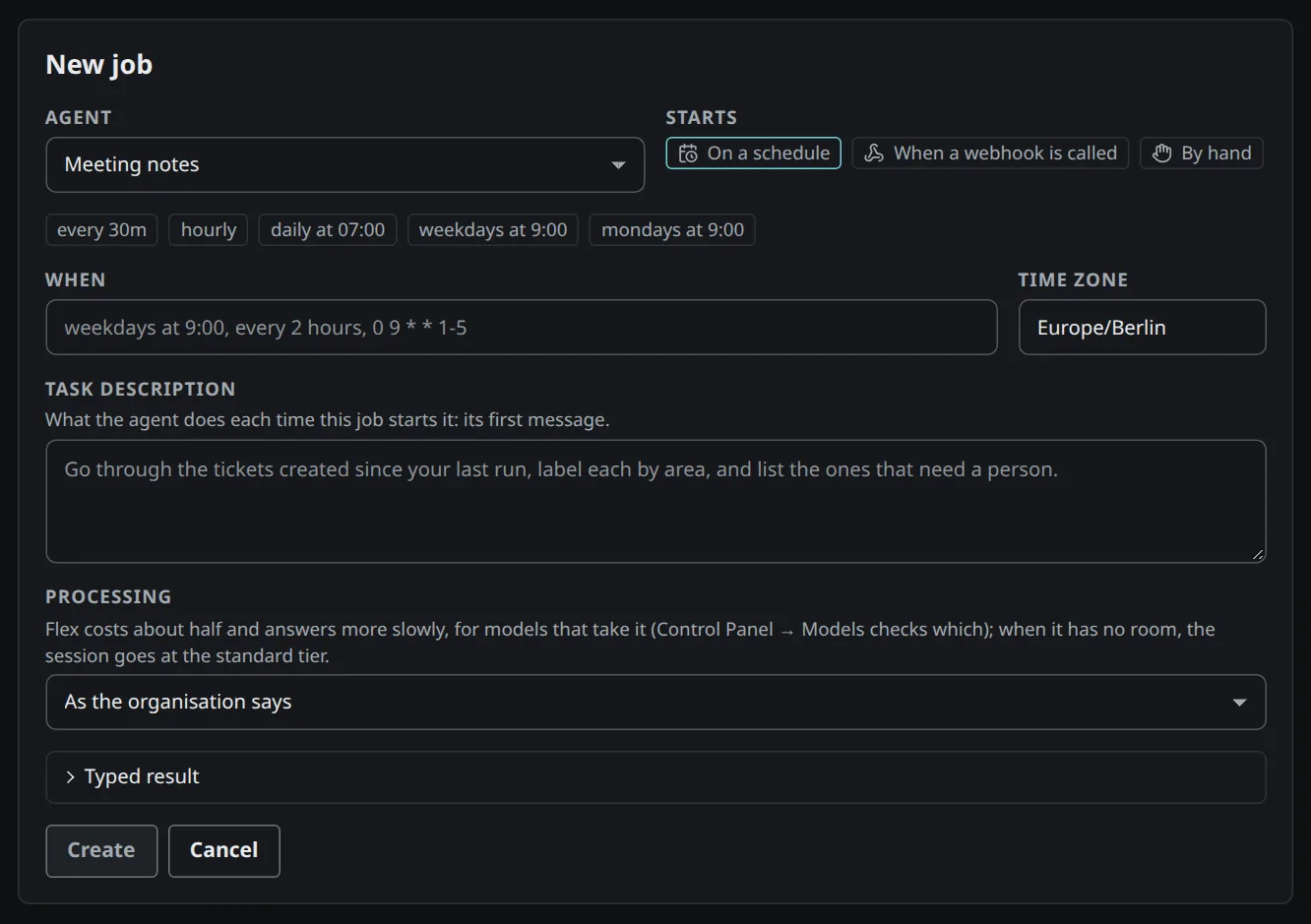
Run now on an agent starts it at once and asks “Anything it should know for this run?”; you can add a file or pick one of your tasks.
An agent can also pause one of its own jobs; the job then says so.
Hand an agent a task
Section titled “Hand an agent a task”Under Tasks, New task for an agent gives one of your agents a task. It works on it and hands it back when its session ends. See Tasks and approvals.
What a session records
Section titled “What a session records”A session shows its task, its steps, the thread, the helpers it started and its cost. Stop ends it; Continue in a chat carries on in a chat of your own. You find your sessions under Insights → Sessions.
Chats with agents are not private: people who oversee agents in your organisation and the agent’s owner can read them.
What your organisation decides
Section titled “What your organisation decides”Administrators decide who may create agents and who may run them on schedules and webhooks. By default everyone may do both; without the second, jobs start by hand only. When creating agents is not switched on for you, the console says so.