Tasks and approvals
A task is something someone should do or decide. It can come from a colleague, from one of your agents or from a client. An approval is your yes or no to something AI wants to do.
Kinds of tasks
Section titled “Kinds of tasks”| Kind | What it asks |
|---|---|
| To-do | Do something, by a due date if there is one. |
| Approval | Say yes or no to a change or an action. |
| Poll | Choose among options; anonymous or by name. |
| Questions | A client or an agent asks you to choose or to confirm. |
You give tasks to people and groups with New task: under For whom pick For people or For an agent. An agent takes tasks when its owner has switched that on for it.
Where they wait
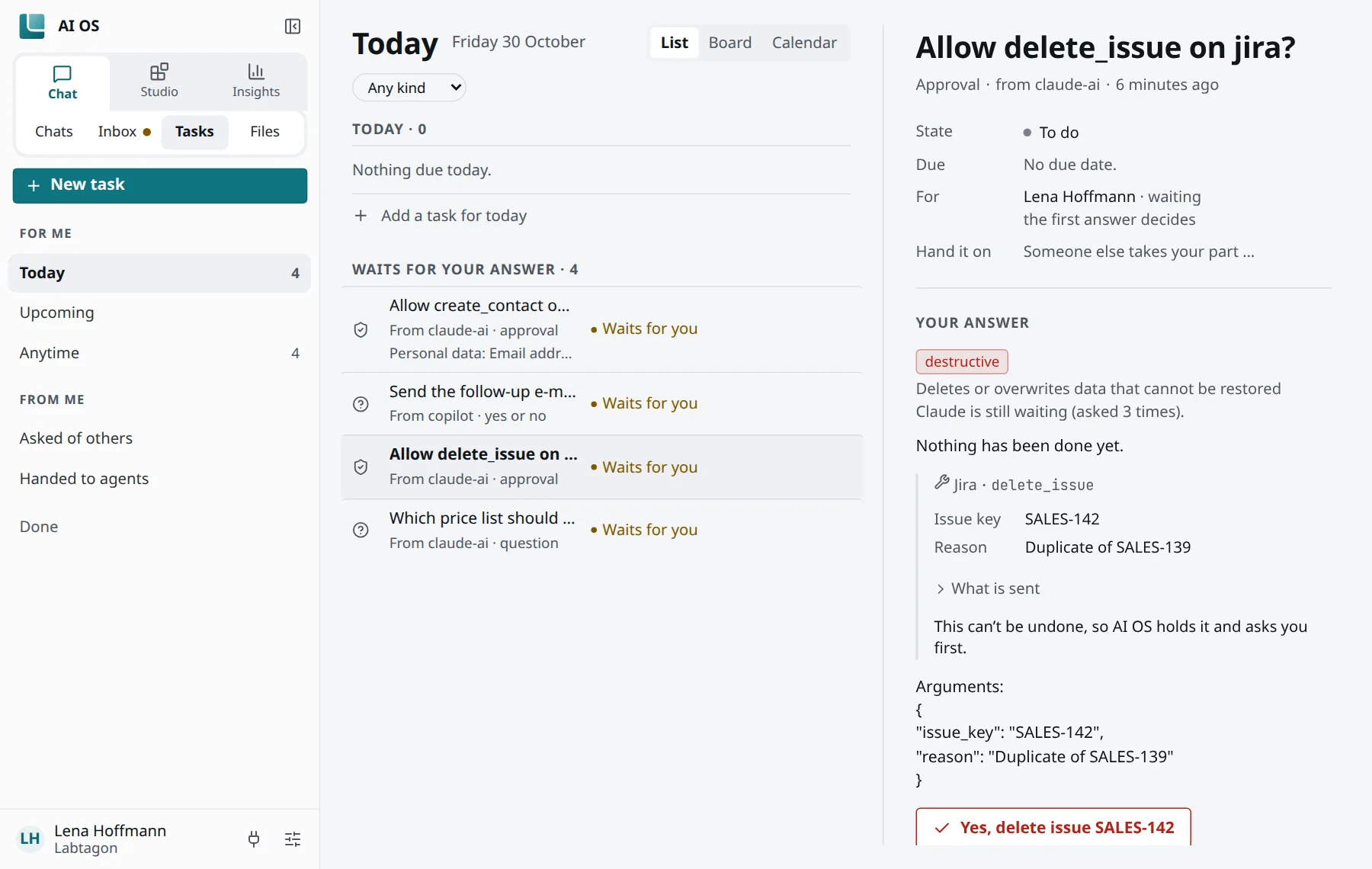
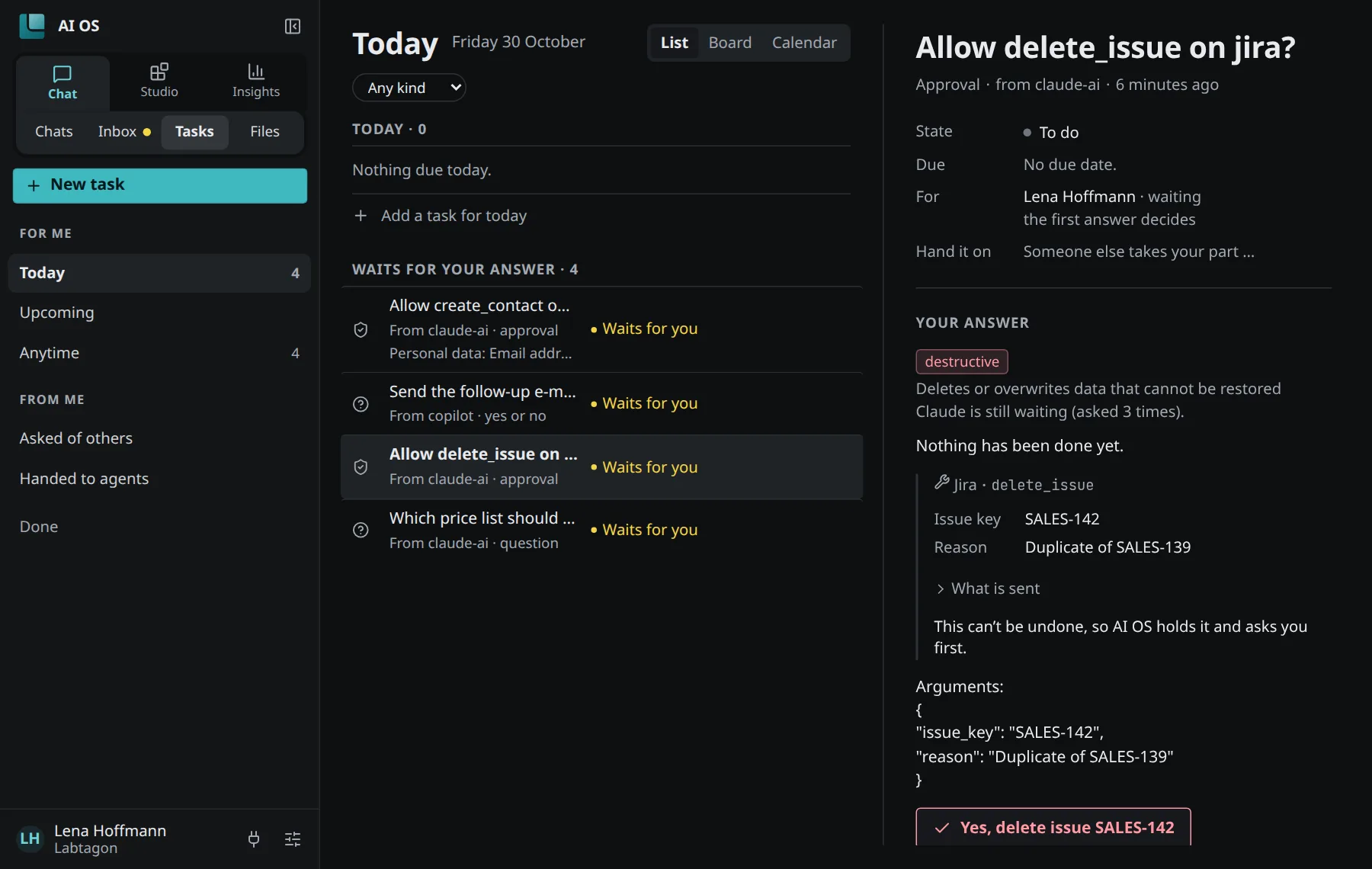
Section titled “Where they wait”Chat → Tasks shows the tasks you are part of:
- Today: what waits, what is due.
- All tasks: every task you are part of.
- Board: to do, in progress, done.
- Calendar: by the day they are due.
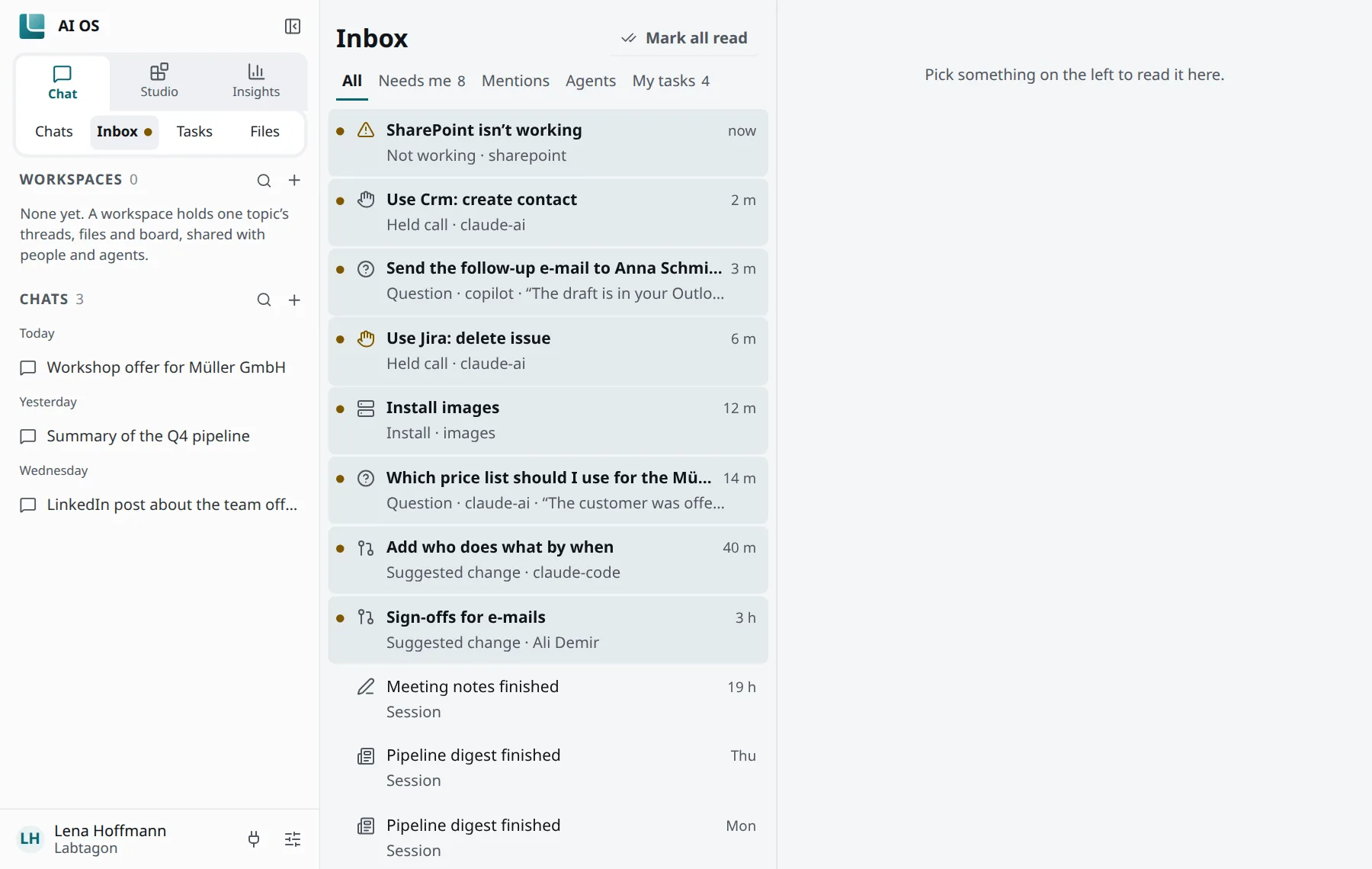
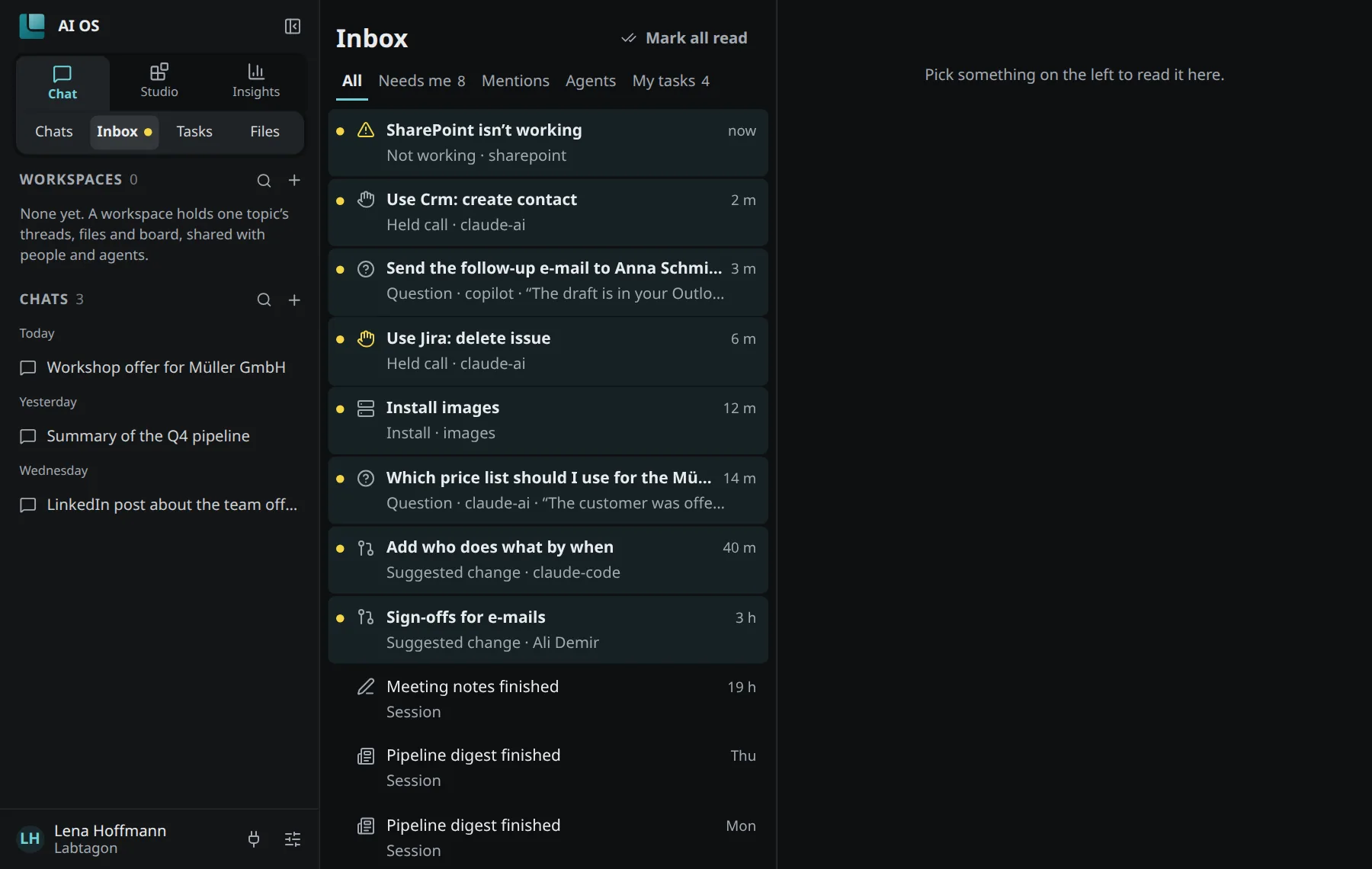
The Inbox shows what waits for you, mentions of you and what your agents did. Its filters are All, Needs me, Mentions, Agents and My tasks. Held tool calls and your agents’ proposals are in the Inbox too.
So that you hear of a request while the console is closed, switch on browser notifications under Settings → Notifications (Turn on notifications) and choose under What reaches you which topics do.
Held calls
Section titled “Held calls”Sometimes a client or an agent calls a tool that must not run without you: because it is set to ask you first, or because your organisation’s safety check flagged it. Then AI OS holds the call. It does not run, and the client is told that it waits.
You see the call in your Inbox as a Held call, with what it would do:
- Yes, … runs it once, within a minute or two. You do not need to go back to the chat.
- No, don’t: nothing is done, and the client is told.
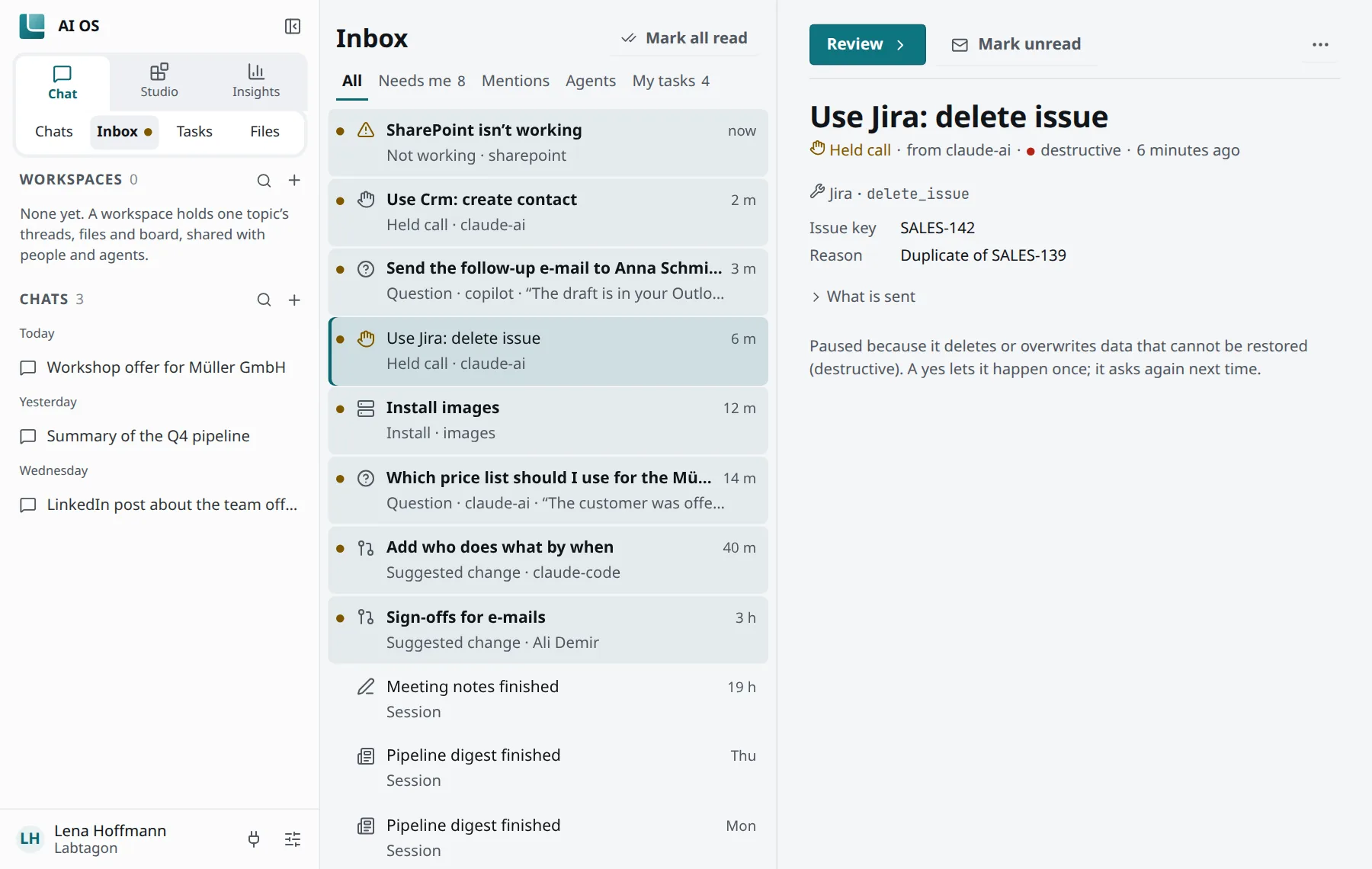
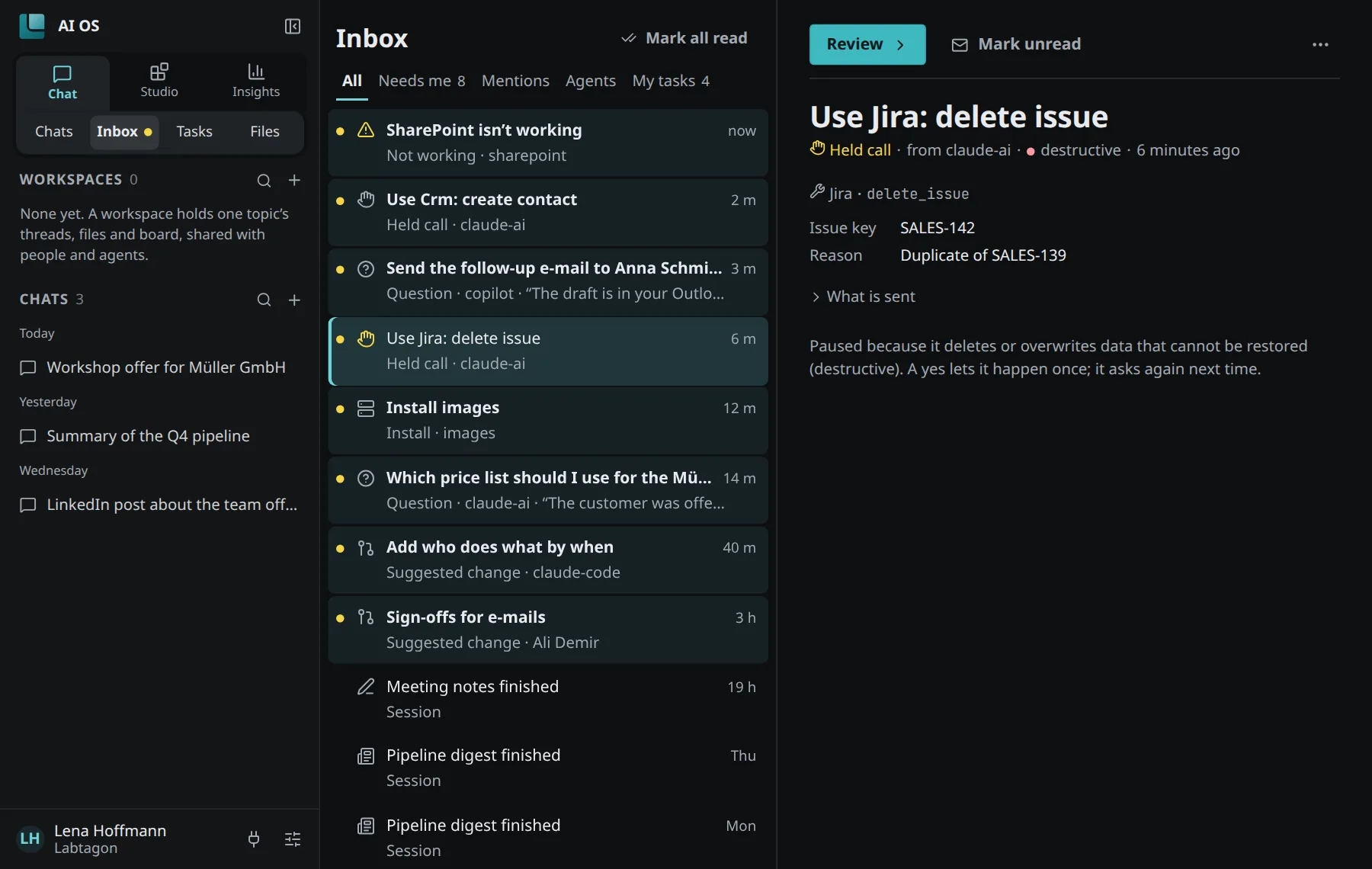
Only you decide. Neither a rule nor a model answers a held call in your place. A request you do not answer expires after 24 hours (“Expired without an answer, so nothing was done.”); an approval lasts 60 minutes. Your organisation can set other times.
When AI should ask you
Section titled “When AI should ask you”AI OS tells clients and agents to ask only when they really need you. This is what they read, word for word:
The inbox__ask tools reach your person outside this conversation, often with a notification, so every request interrupts them. Ask only when you are blocked on something that is theirs to decide: an action that deletes data or cannot be undone, one that changes rights, spends money or reaches other people, or a choice with real consequences that you cannot settle from the request, the code or a sensible default. Do not ask to confirm reads, tests, routine or easily undone changes, or anything your person already asked for or agreed to; do it and say what you did.
An agent may create at most 20 tasks an hour in your name.