Exporting chats
You can take your chats out of AI OS: one chat, or all of yours at once.
One chat
Section titled “One chat”Open the chat, then … (More) → Export…. Choose:
- Markdown to read it (any text editor, a wiki, a document), or JSON to process it.
- Include tool calls: each tool the assistant called, with what it was asked, what it answered, whether it worked and how long it took; files appear as links. Without it, the file holds only what you and the assistant wrote.
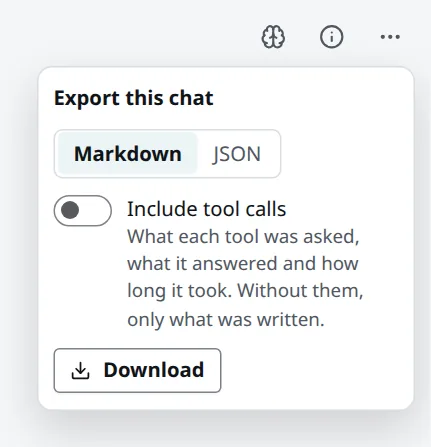
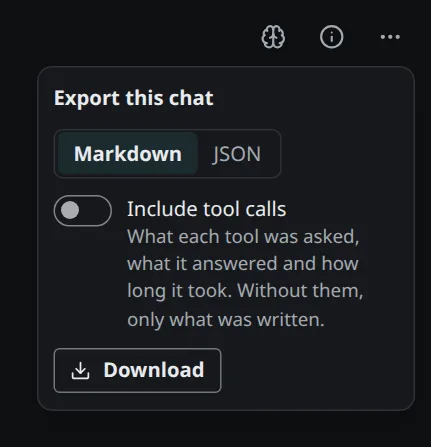
Download saves one file. You can export every chat you may read, also one shared with you or a thread of a workspace you are in.
All your chats
Section titled “All your chats”Settings → Your chats downloads all of your own chats as one ZIP: a file per chat, the threads
of a workspace in a folder named after it, and an index (index.md or index.json) listing every
chat with where it is, when it began and how many messages it has. Archived chats are included;
other people’s threads and your agents’ runs are not.
From a client
Section titled “From a client”Clients connected to AI OS can do the same with the tool chats__export: one chat (by its link)
or all of yours, in either format, with or without tool calls. The export is saved among your files,
and the client gives you its link; it never pastes the export into the conversation.
What is recorded
Section titled “What is recorded”Every export is in the audit log. When someone exports a chat of yours that you shared with them, you see it in your activity. Texts are exported as they are kept: personal data that AI OS masks on the way to a model was never masked in the chat itself, so the export contains what was written.