Files and shares
What you upload and what AI makes for you, in the chat or through a client, is kept in Labtagon AI OS: as a file, or as a shared page (a share) that others can read.
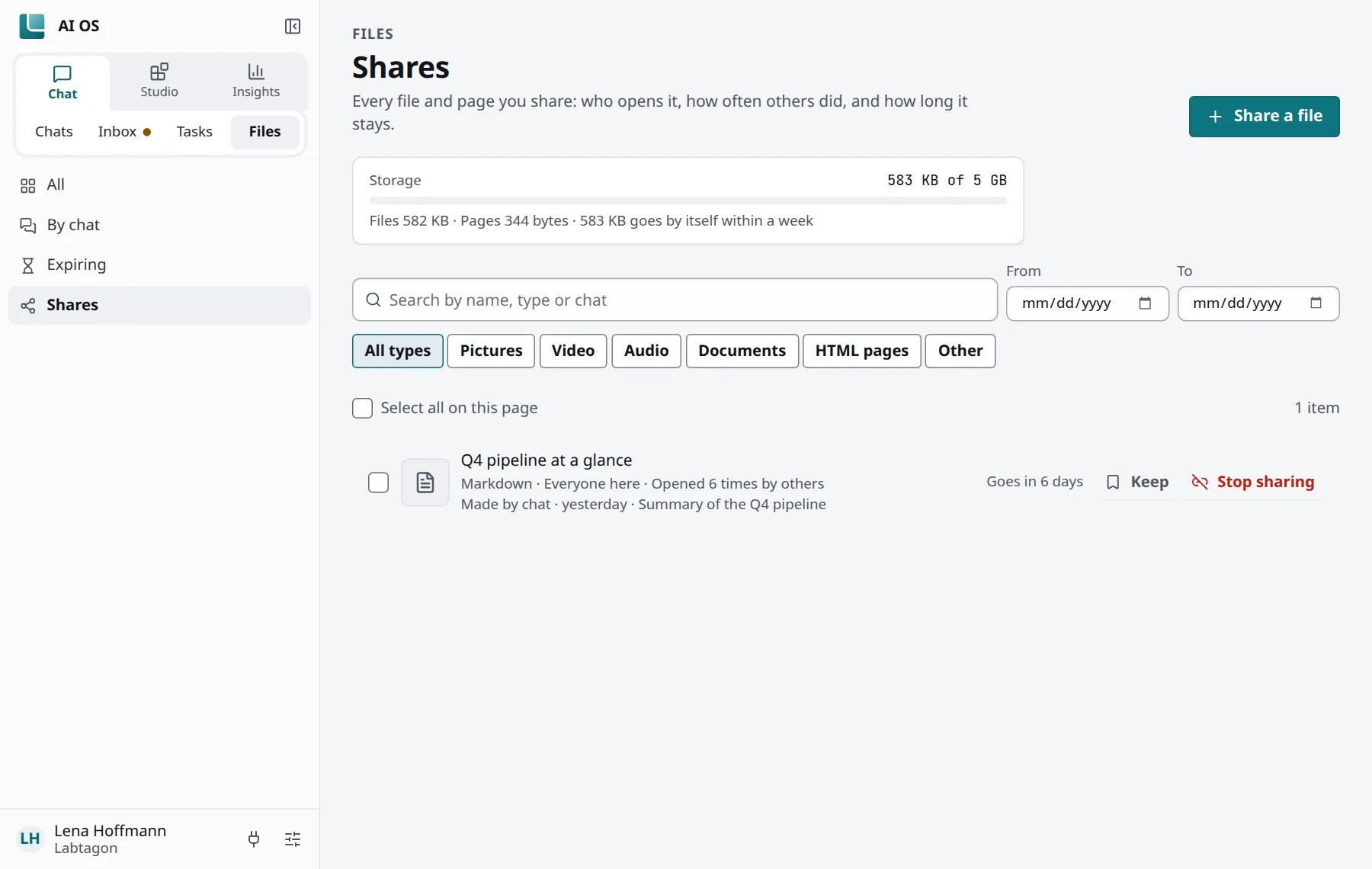
Chat → Files shows your files and pages:
- All: your files and pages, newest first.
- By chat: under the chat or workspace they came from.
- Expiring: what goes by itself this week.
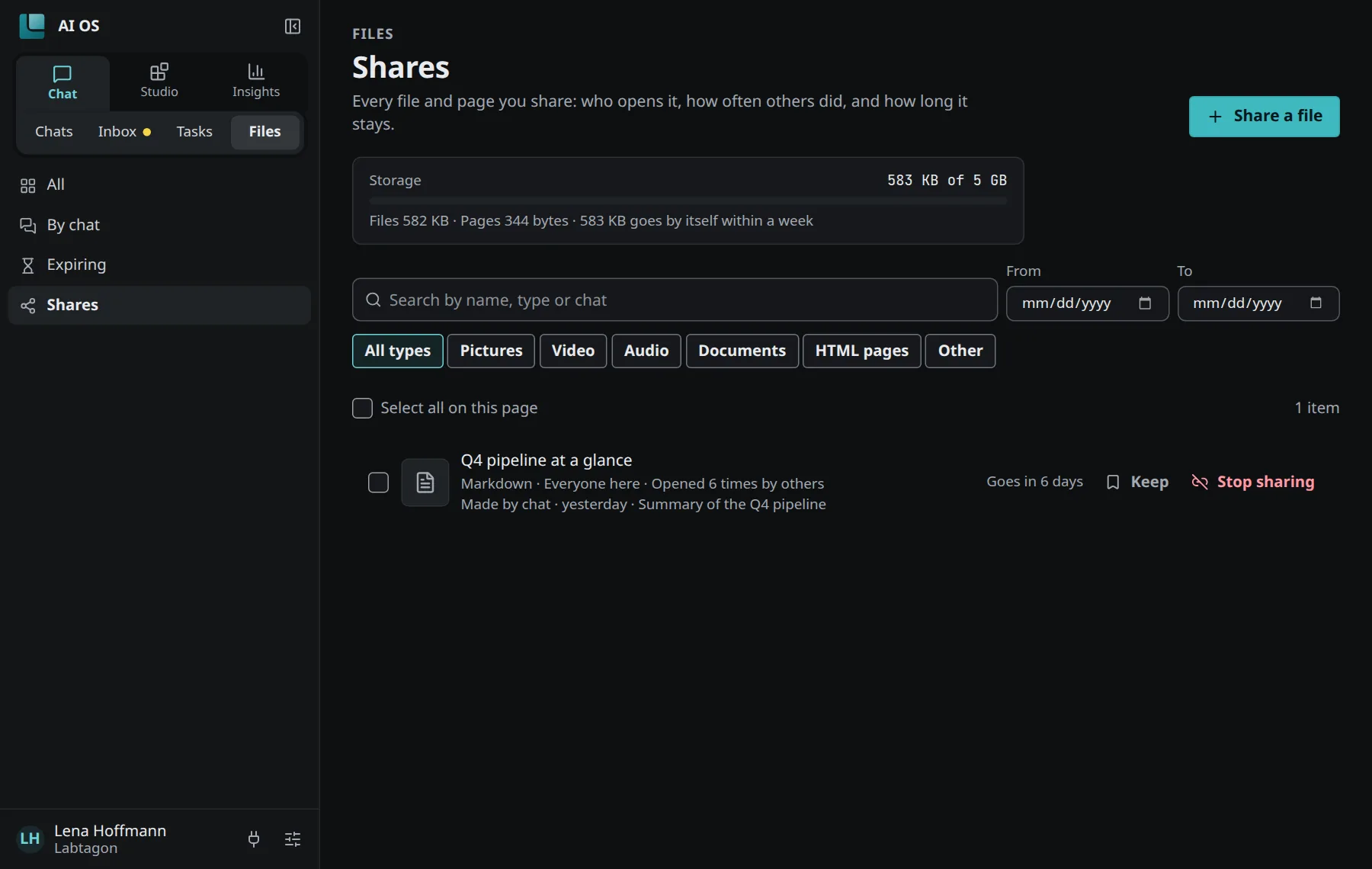
- Shares: every file and page you share, and who opens it.
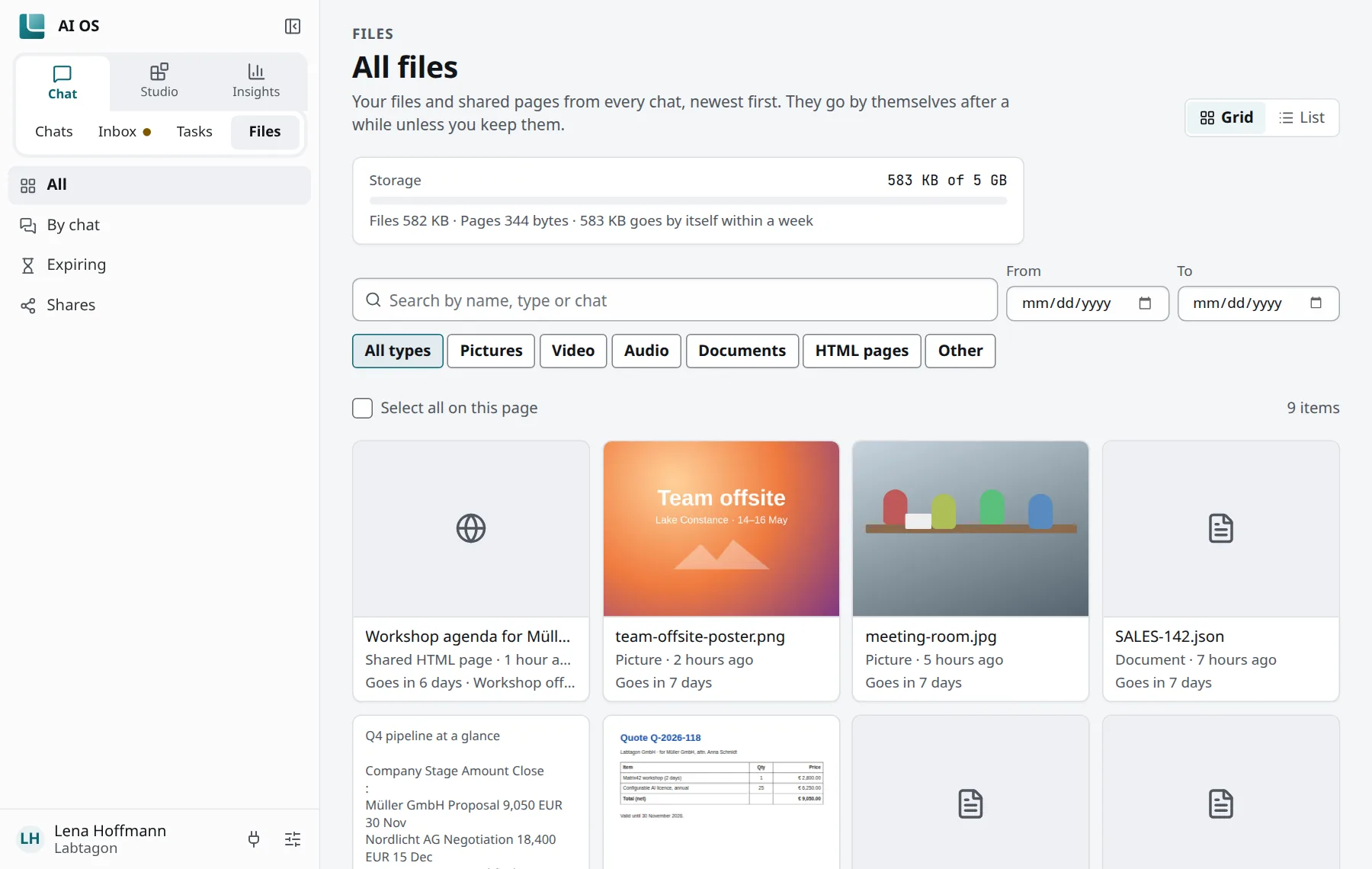
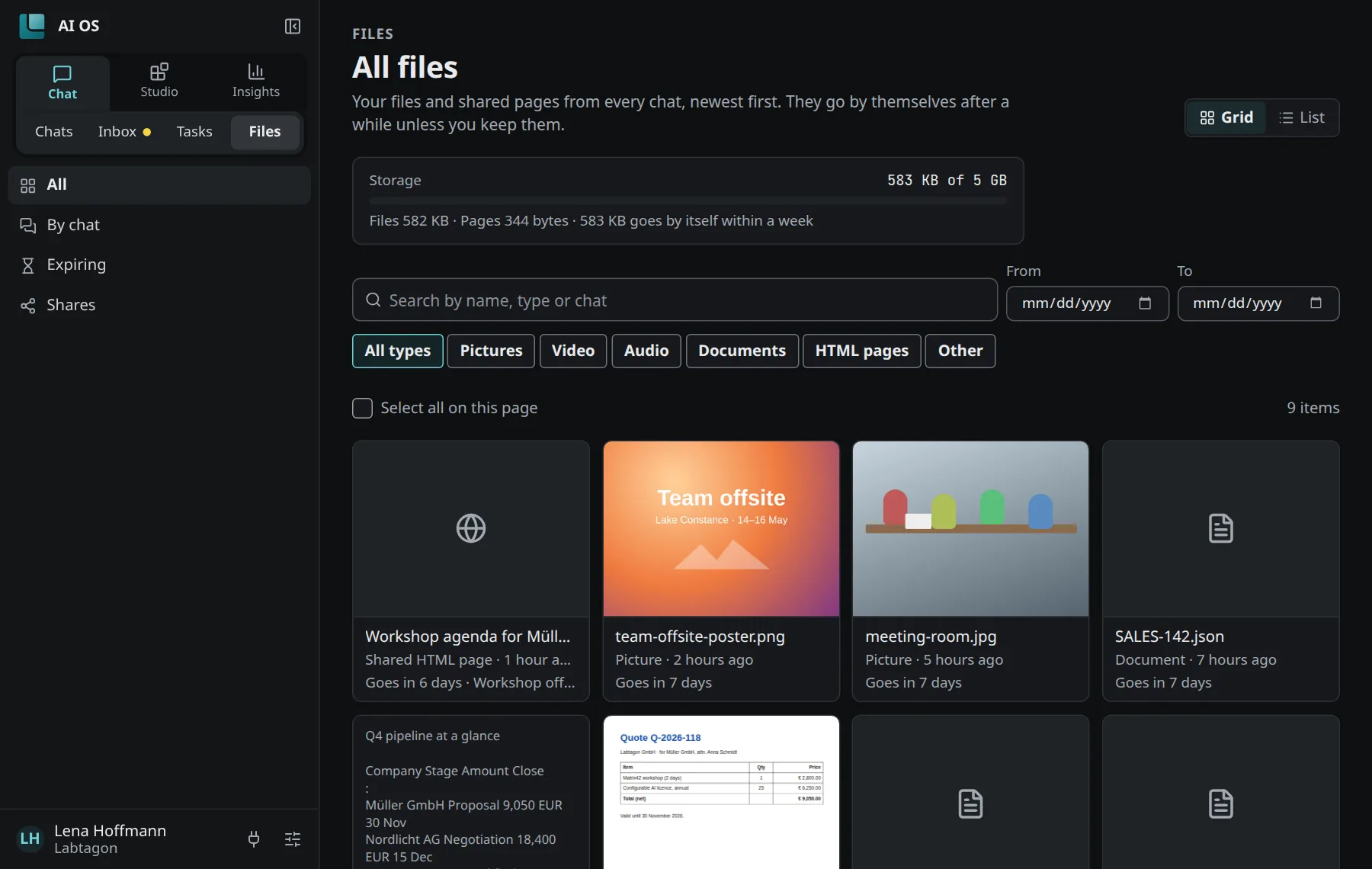
A file goes by itself 7 days after it came in, unless you keep it. Keep (on a file’s own page Keep it) keeps it until you delete it; Let it expire undoes that. Your organisation can set another number of days.
By default a file may be up to 50 MB, and you have 5 GB in all. Your organisation can change both.
AI OS encrypts the content of a file before it goes to storage.
Shared pages
Section titled “Shared pages”A shared page shows a document, a report or an HTML page at a link of its own. Who reads it you choose in Shared page settings:
| Choice | Who reads it |
|---|---|
| Only you | Nobody else, until you open it up. This is how every share starts. |
| Anyone with the link | No sign-in needed. Keep the link to yourself if it is private. |
| Everyone here | Everyone in your organisation, signed in. |
| Only people you pick | They sign in to open the link; nobody else can. |
AI OS does not tell people about a share: send them the link. Like files, a share goes by itself after a week unless you keep it.
On a shared page:
- Download saves it as PDF (through the print dialog), as HTML (one file, its pictures in it) or as written (Markdown or text).
- Info shows who reads it and who made it. As its owner you also see how often others opened it.
- An HTML page runs in a sandbox on an address of its own, apart from the console.
Files and shares from a client
Section titled “Files and shares from a client”Clients and agents keep files and share pages with the tools files__* and shares__*. This is
what AI OS tells them, word for word:
Your person’s files and shares live in AI OS: use them rather than local files, attachments or other ways of publishing whenever the work is for your person or for other people. […] Something for other people (a report, a summary, an HTML page): shares__create, then give your person the link; it is theirs only until they open it up under Info on its page; only you change what a share says (shares__update). […] both go after about a week unless your person keeps them.
A share a client makes is yours only, unless you ask the client to open it up further. Under Info on the page you change who reads it at any time.
See also
Section titled “See also”- Exporting chats: a chat or all of yours as a file.
- Security and privacy: how long AI OS keeps what.